Open Today Sales: 8:15 AM-7 PM

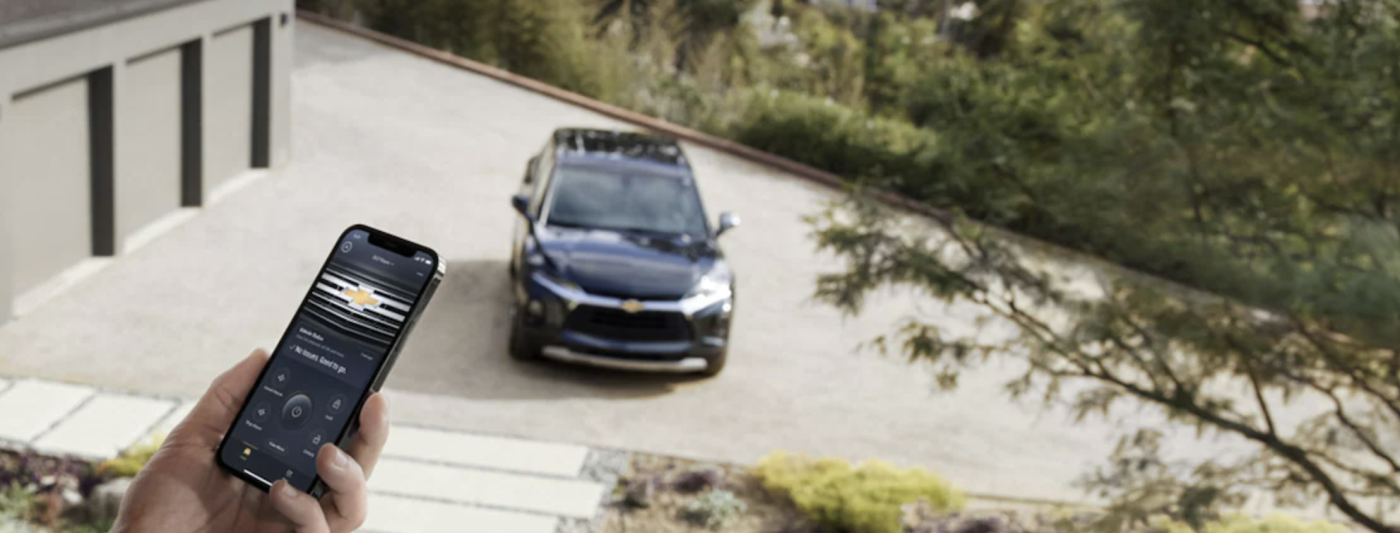
The myChevrolet mobile app transforms your compatible smartphone into an intuitive command center for your vehicle, giving you remote convenience, diagnostic insights, and seamless connectivity wherever you travel. Whether you want to check key vehicle diagnostics or lock your doors from afar, this powerful application makes managing your vehicle effortless around Wetumpka. Explore the top features below, learn how to get started, and discover how to maximize your ownership benefits with Larry Puckett Chevrolet.
With the myChevrolet mobile app, you enjoy a full suite of digital tools designed to keep you connected with your vehicle across Montgomery. Popular features and capabilities include:
The app also features full integration with GM Rewards, helping you earn and track valuable points on eligible purchases and maintenance services across our entire lineup of new Chevrolet vehicles.
Unlocking extra value is a major perk of driving a Chevrolet. Understanding how to use mychevrolet mobile app rewards helps you turn everyday driving and routine maintenance into valuable benefits:
Setting up your mobile connectivity takes just a few minutes. Follow these simple steps if you’re wondering how to access mychevrolet mobile app capabilities:
Once linked, you can customize your vehicle preferences, enable remote commands, and start tracking your rewards points immediately.
If you experience lag, connection glitches, or feature errors, knowing how to repair the mychevrolet mobile app quickly restores your vehicle connection. Try these straightforward troubleshooting steps:
The myChevrolet mobile app enhances every Millbrook drive with intelligent insights, remote control features, and instant reward tracking. Download the app today to enjoy a smarter ownership experience. If you need assistance setting up connected services or troubleshooting app settings, the team at Larry Puckett Chevrolet is always here to help. Contact us today or visit our dealership in Prattville!
If you’re hunting a used truck or SUV around Prattville, Montgomery, or Cobbs Ford Road, we’ve got five worth a hard look right now at Larry Puckett Chevrolet — and the one we’re most ready to move is the Wrangler. 2025 Jeep Wrangler Rubicon We’ve got a pre-owned 2025 Jeep Wrangler Rubicon (stock 821579) with…
Three units at Larry Puckett Chevrolet in Prattville: 2026 Corvette Stingray 3LT, 2024 Murano SV, and 2026 Tahoe LS — with stock numbers and prices from the lot. If you’re shopping Prattville or Montgomery and you’d rather start with a real unit than a blank search, stop by Larry Puckett Chevrolet at 2101 Cobbs Ford…
The 2026 Chevrolet Tahoe is more than just a full-size SUV—it’s a bold statement on wheels. With a wide range of Chevrolet Tahoe colors available, you can match your SUV’s style to your personality inside and out. Learn more in our guide below! View InventoryContact Us 2026 Chevrolet Tahoe Colors: Exterior The 2026 Chevy…